Doke OS
Speedier, Steadier, Simpler, Smarter, and Uniquely Yours
Visual Aesthetics:
Craftsmanship in Details
Craftsmanship in Details
Application UI, Designed for Order
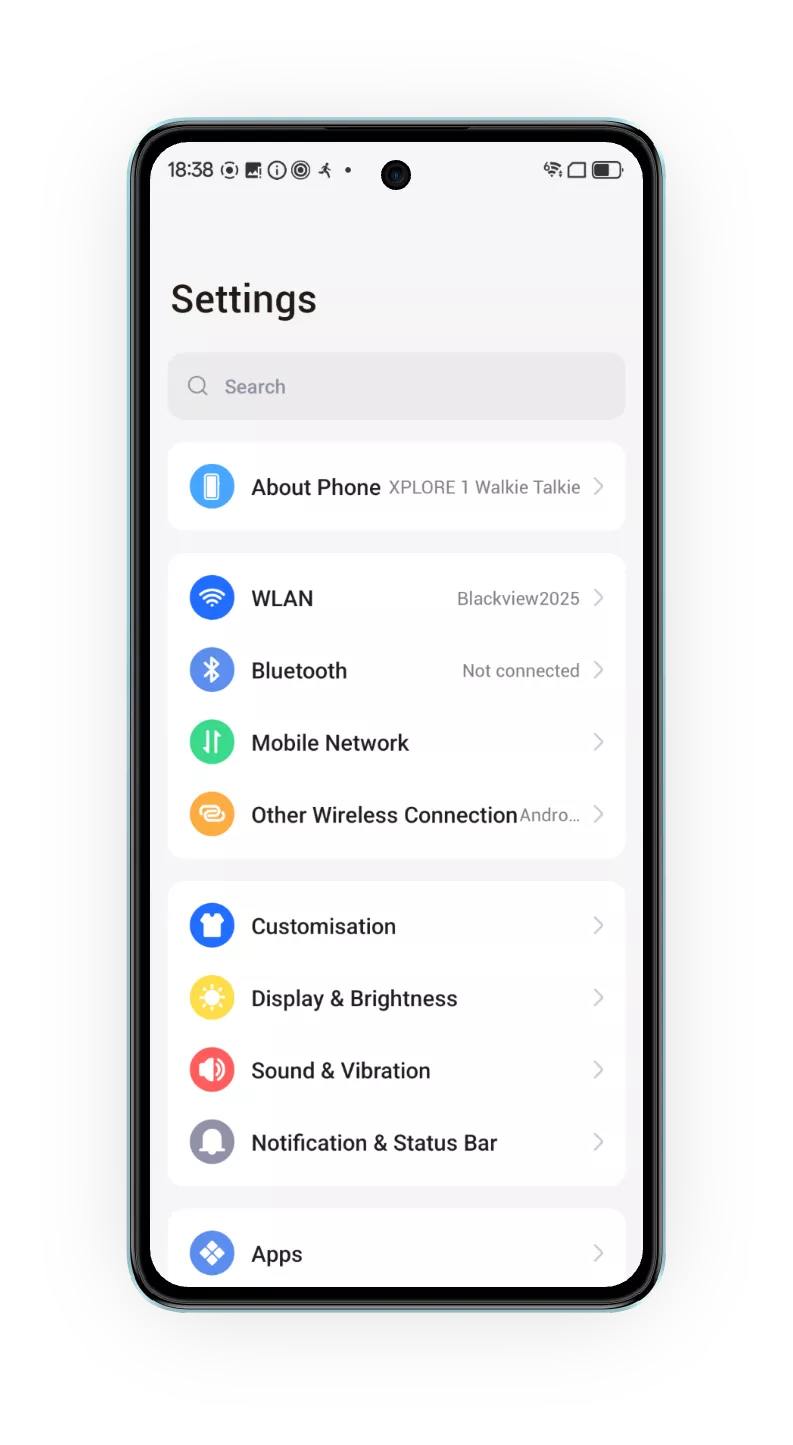
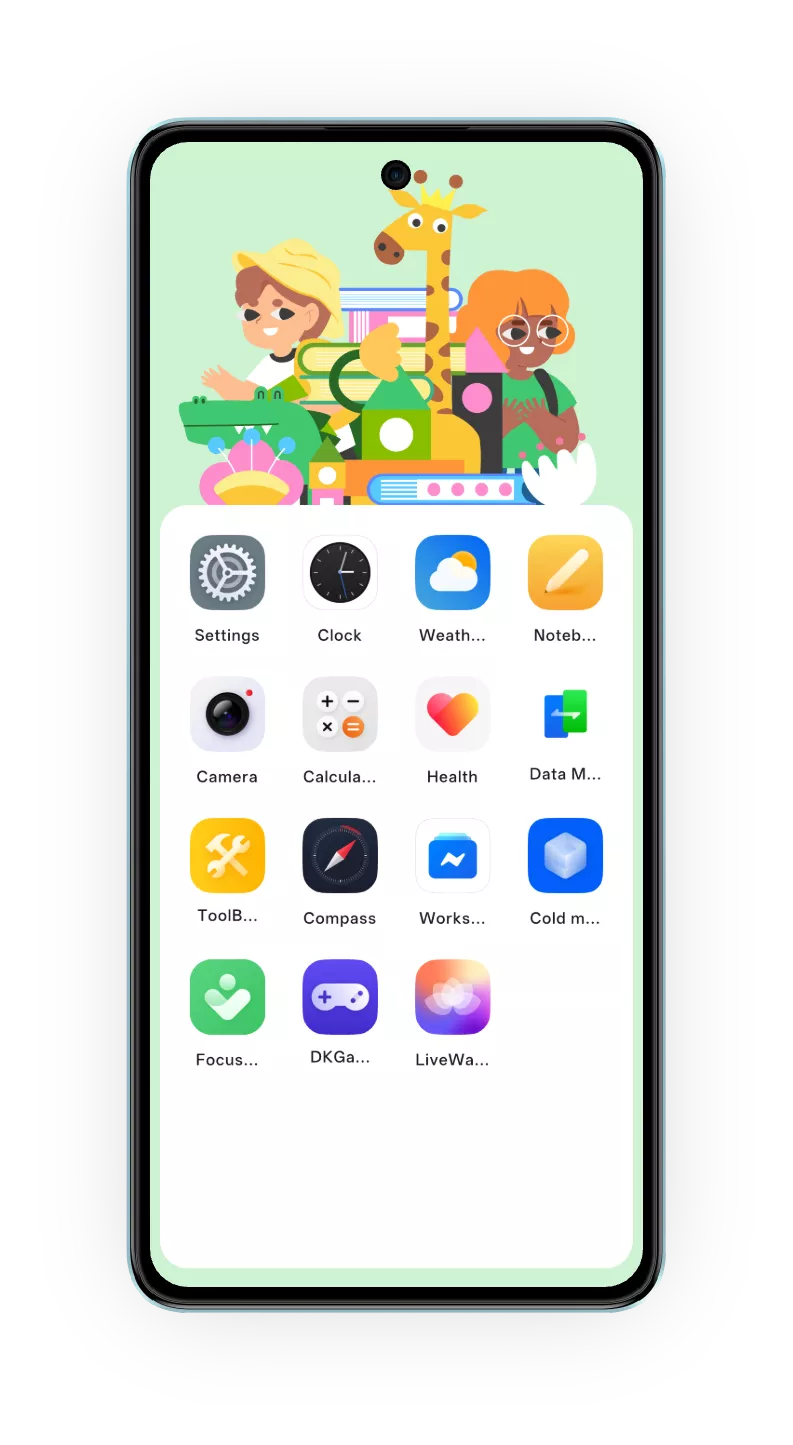
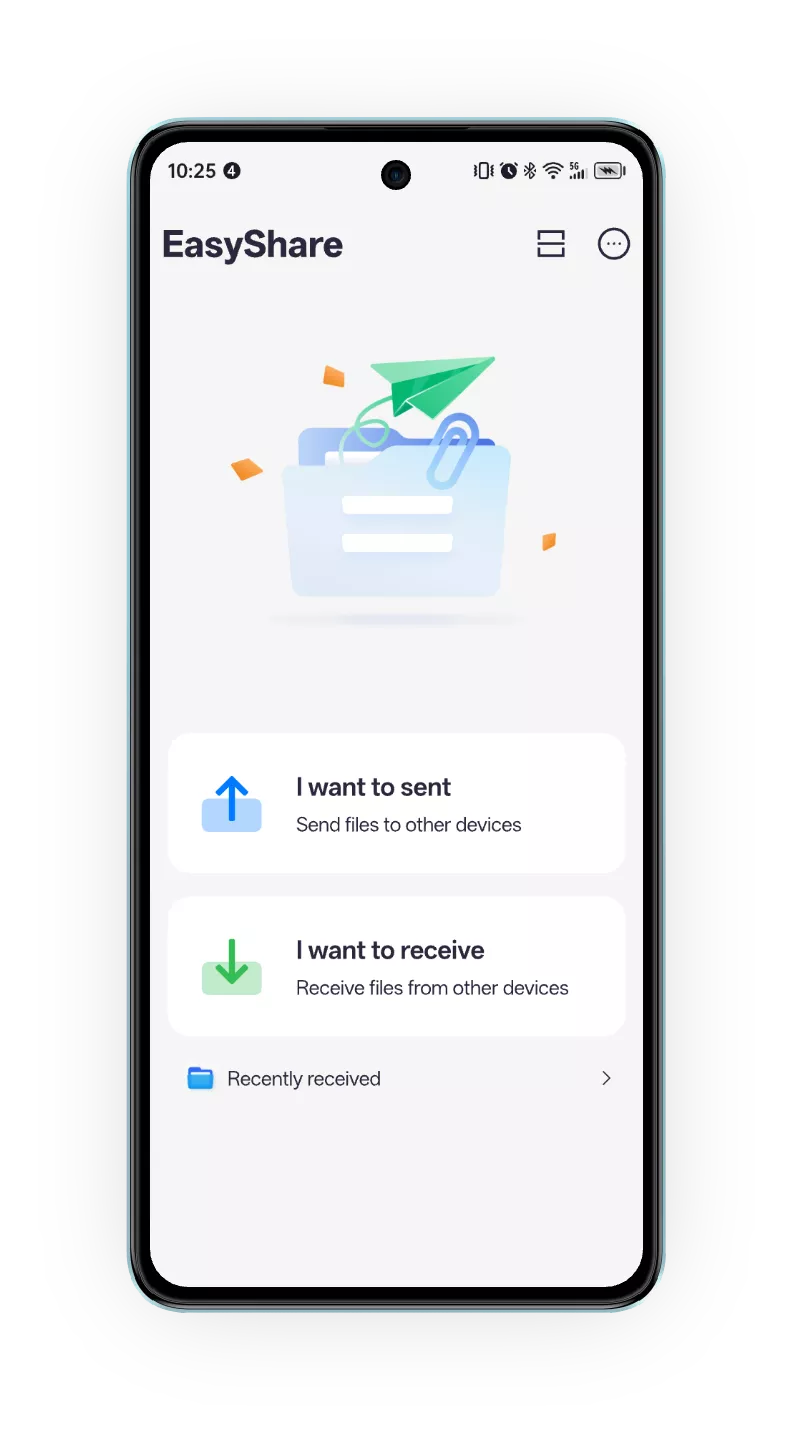
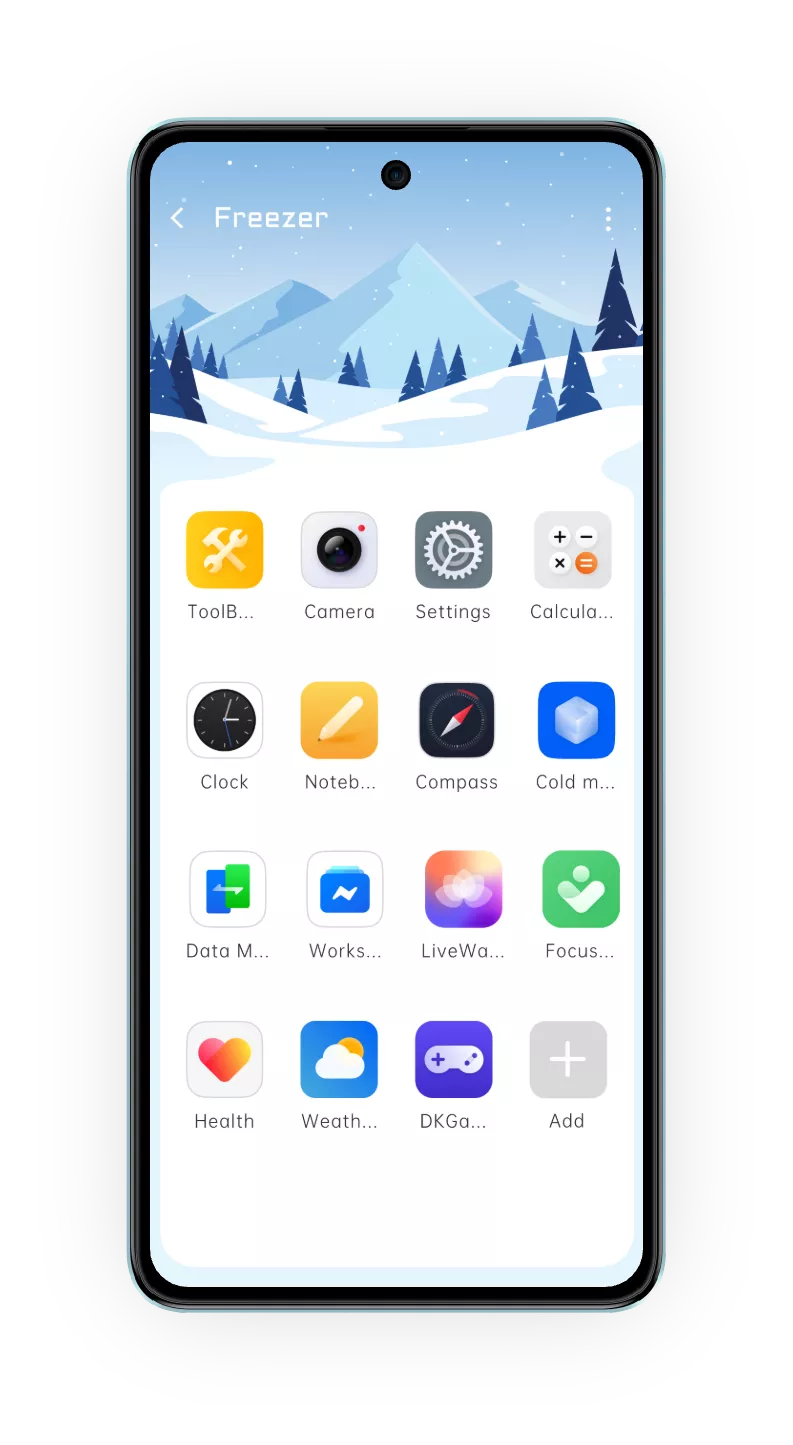
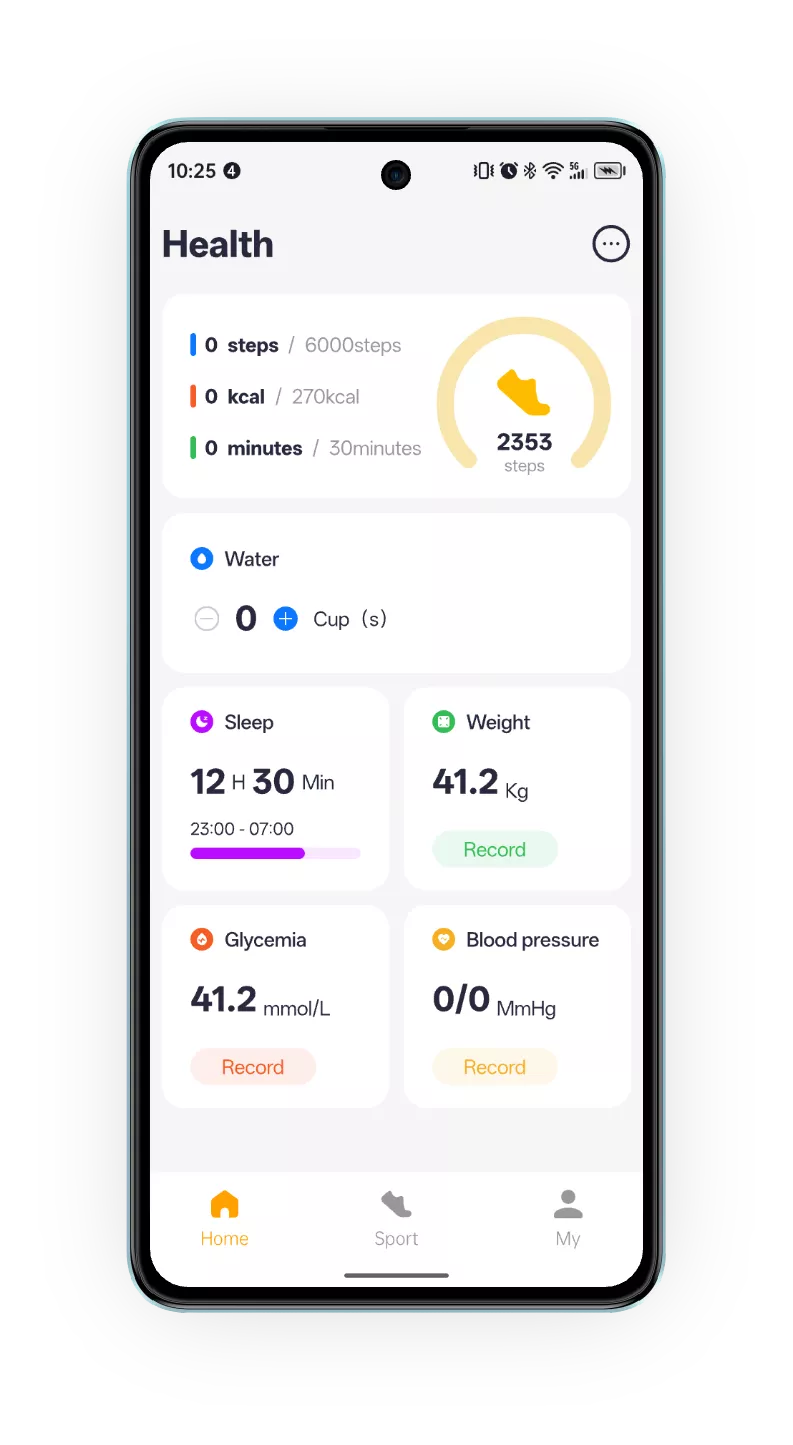
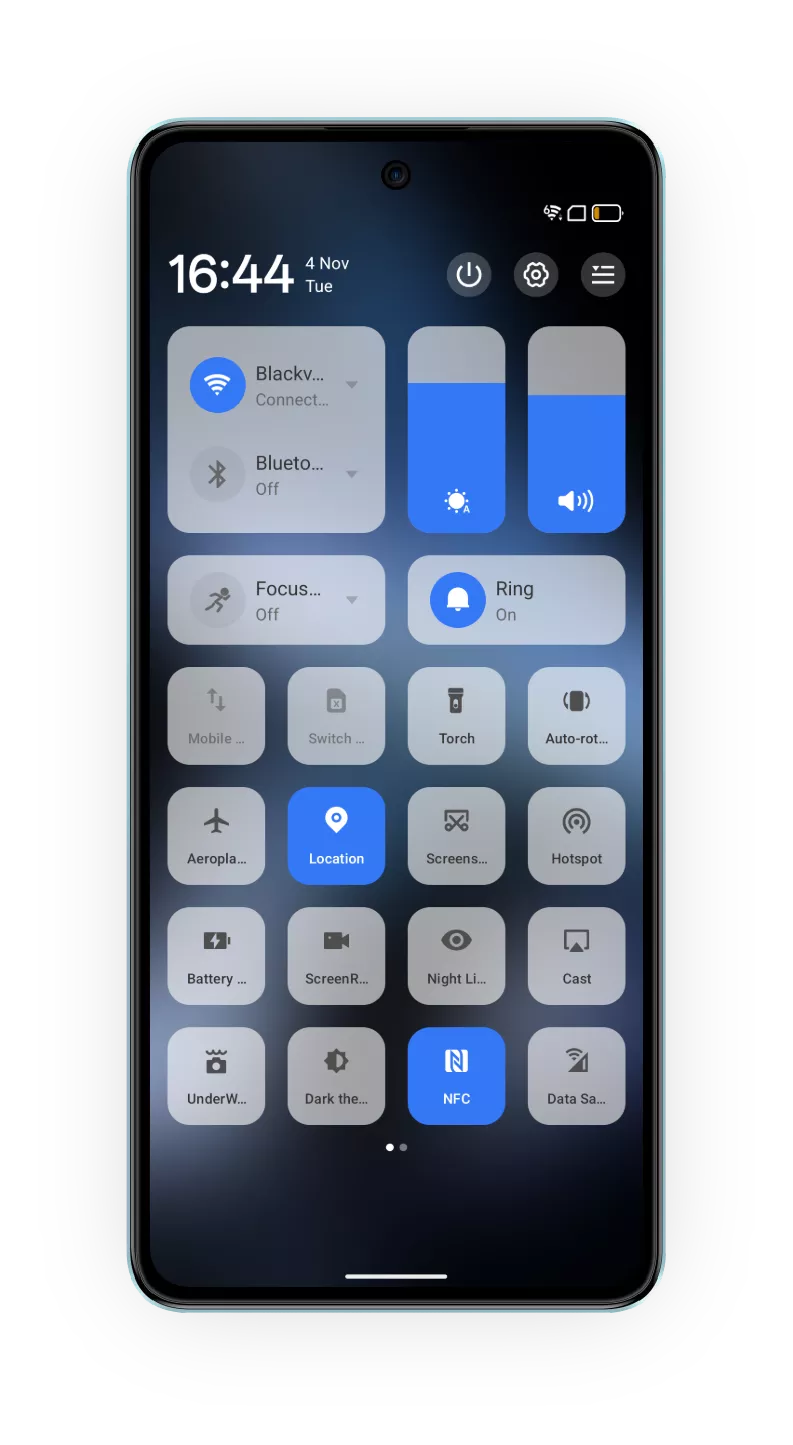
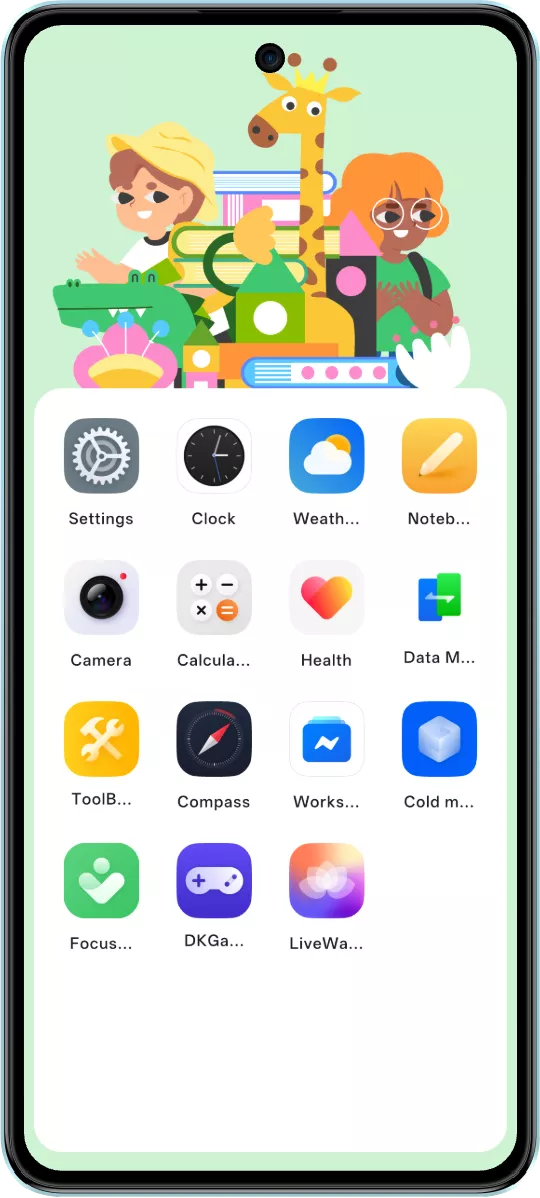
The meticulously refined setting structure features intuitive displays of functions such as health, file sharing, weather, app freezer, and child mode. With a clear and well-organized layout, it ensures precise and efficient usage every time.
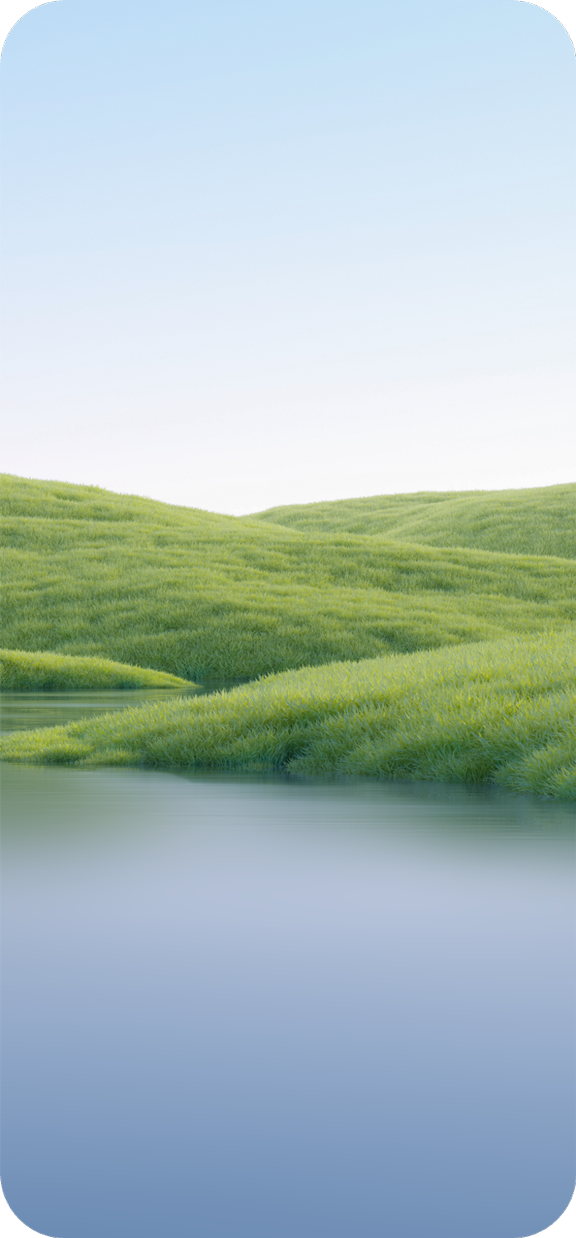
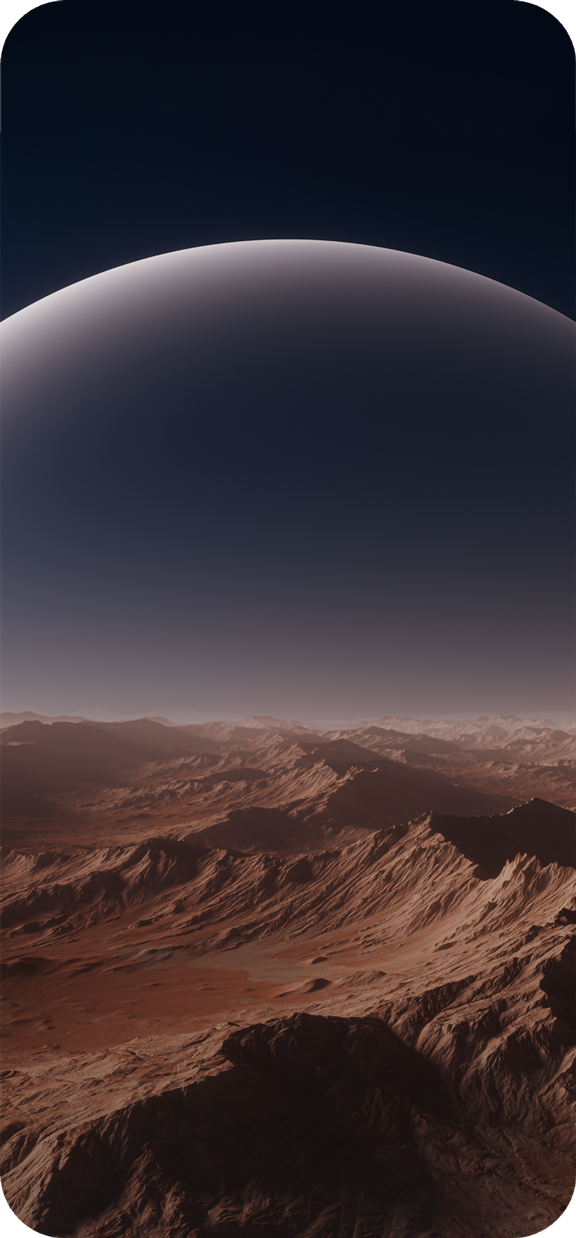
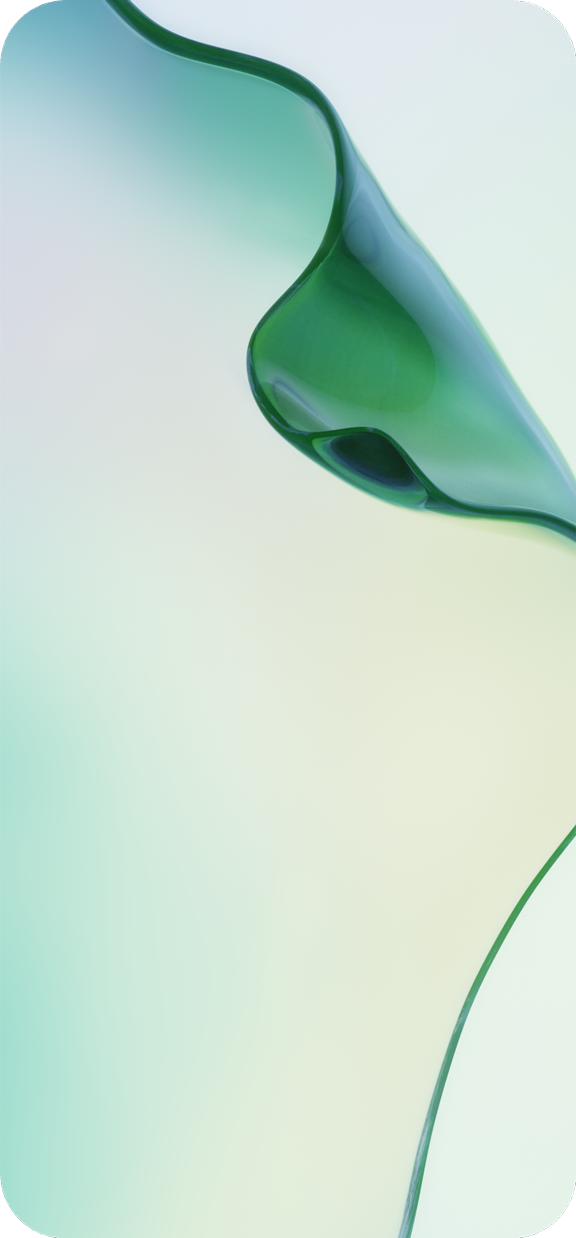
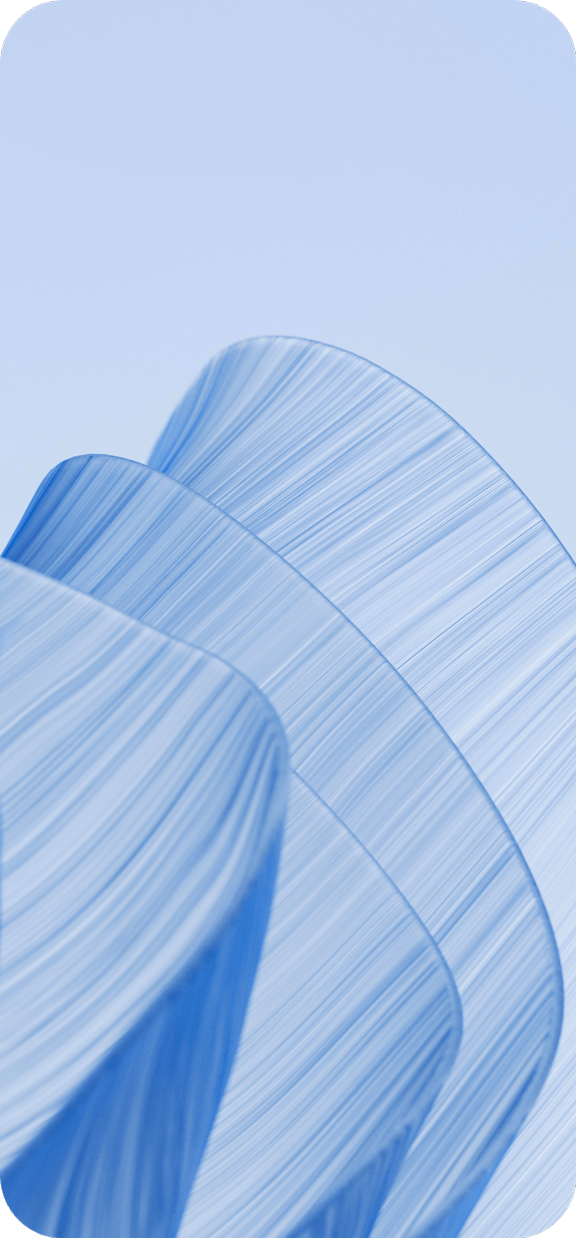
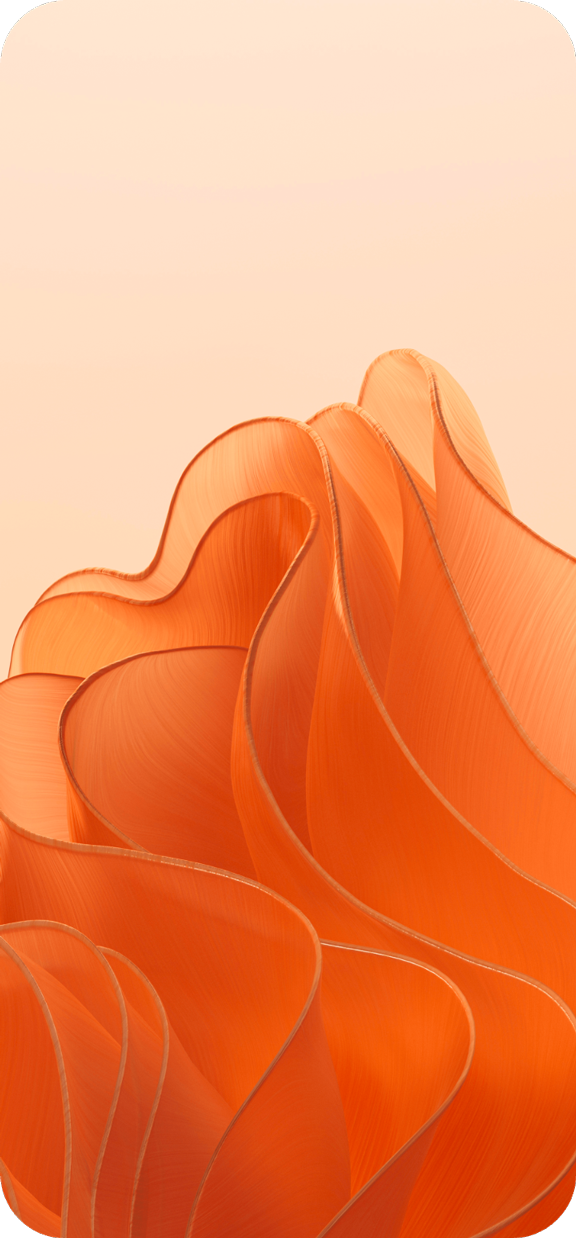
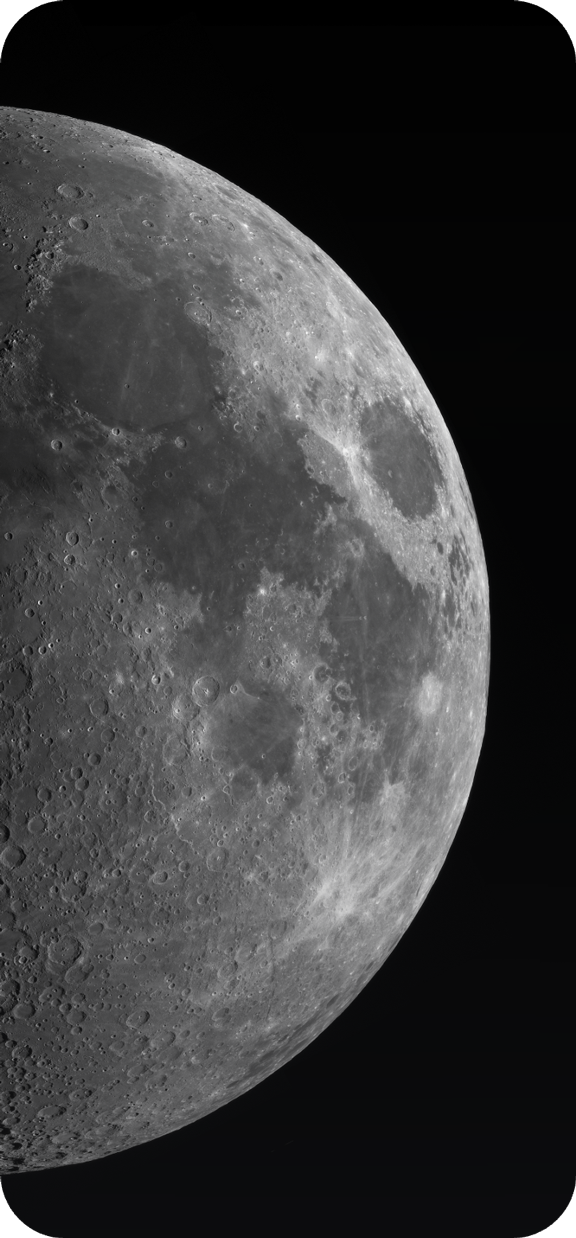
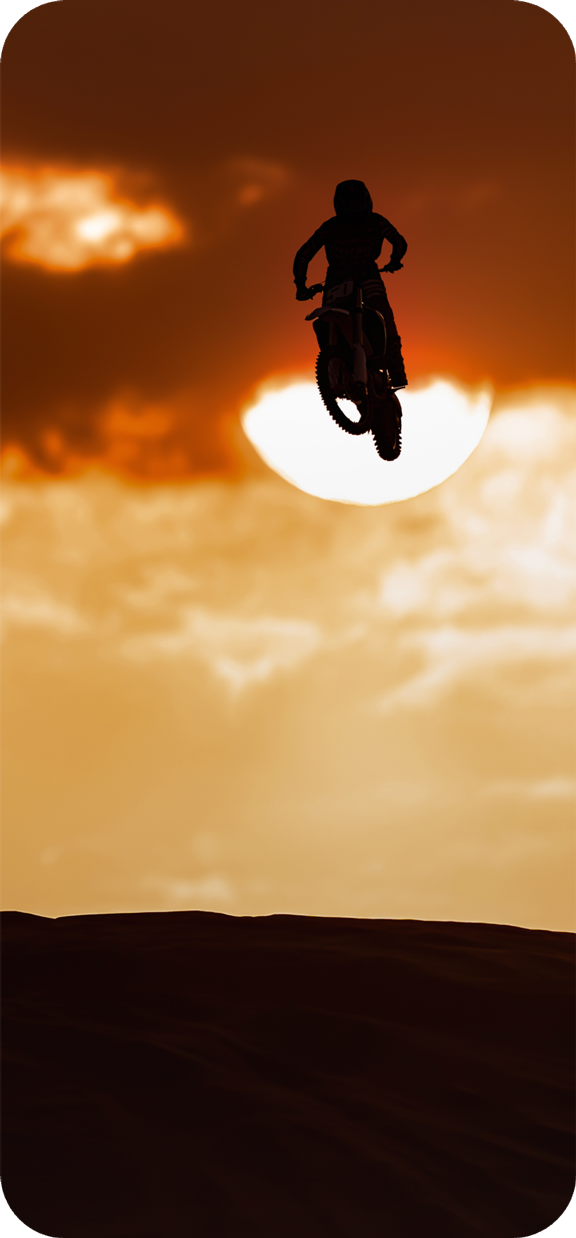
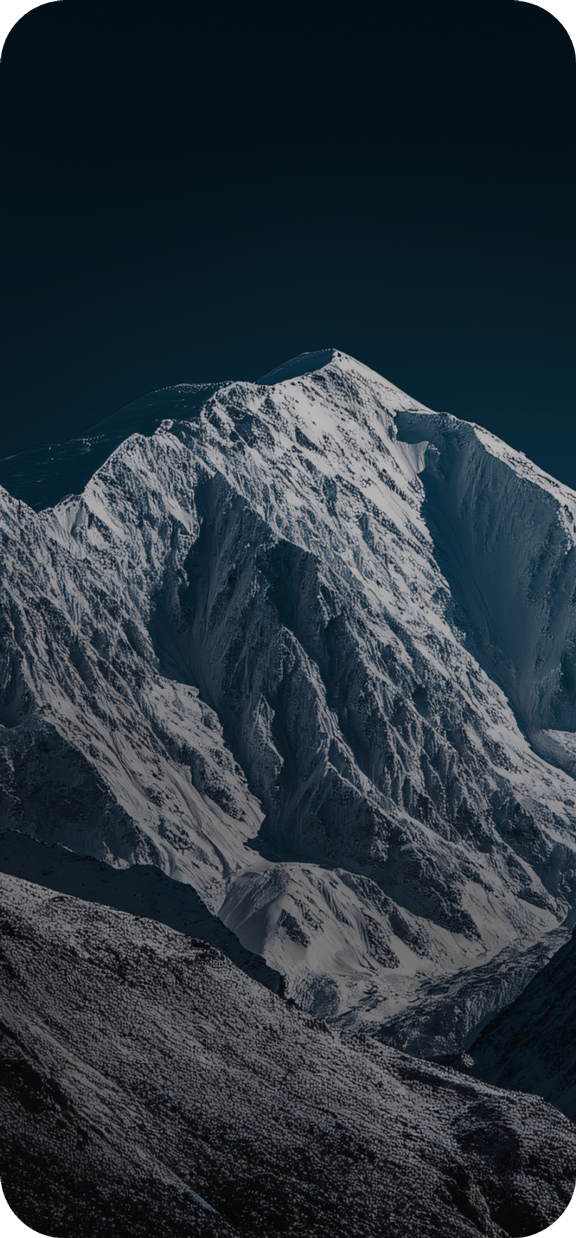
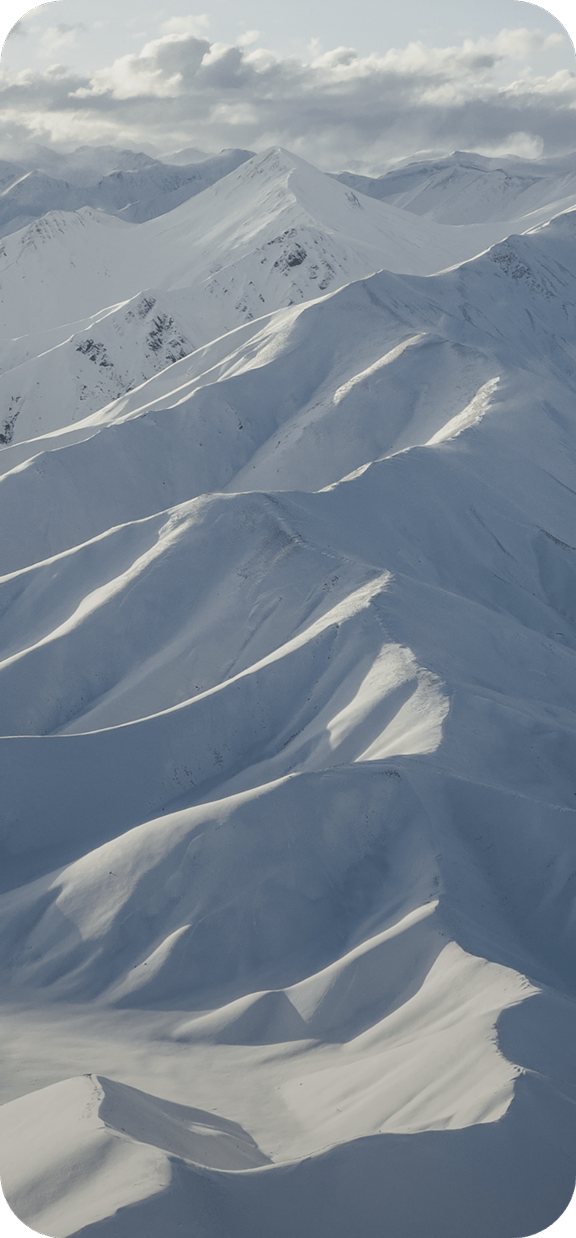
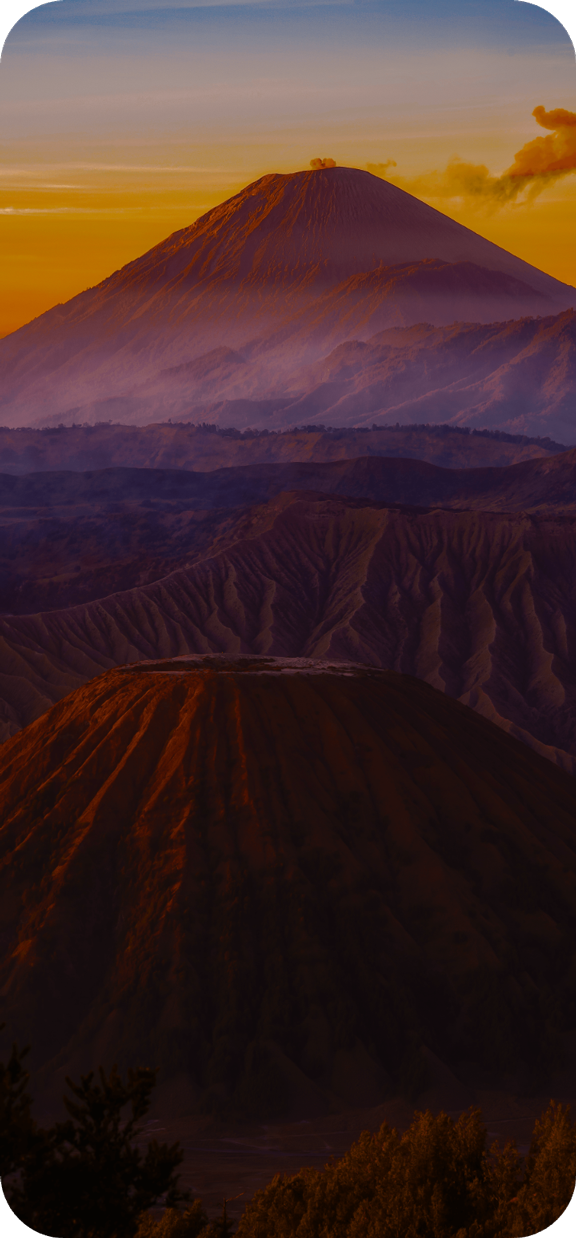
Choose from a Variety of Wallpapers
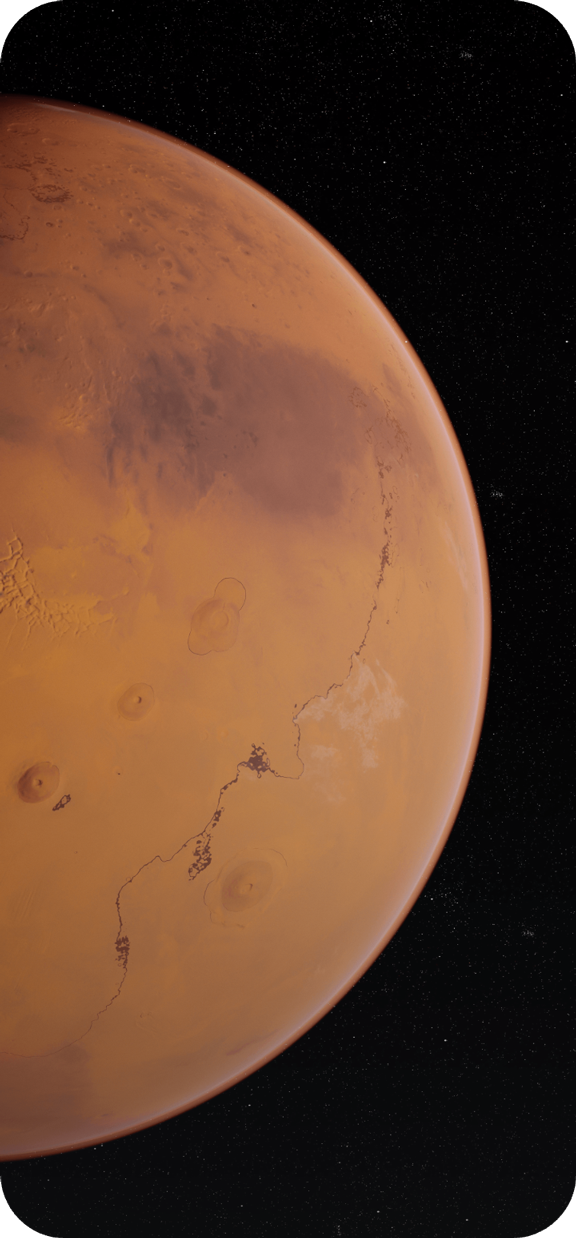
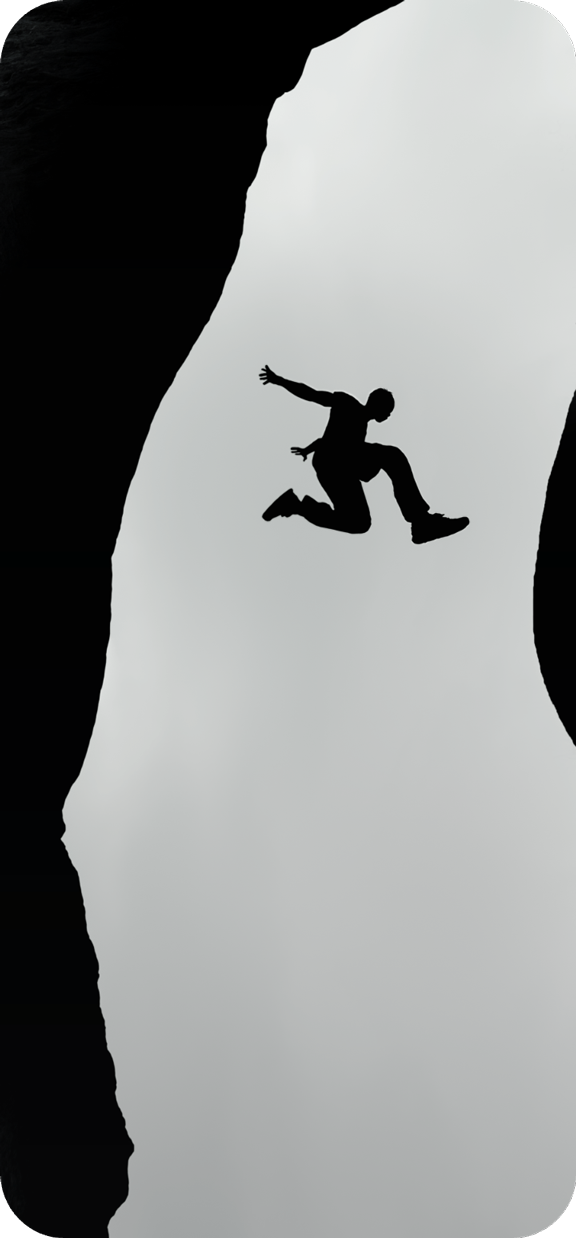
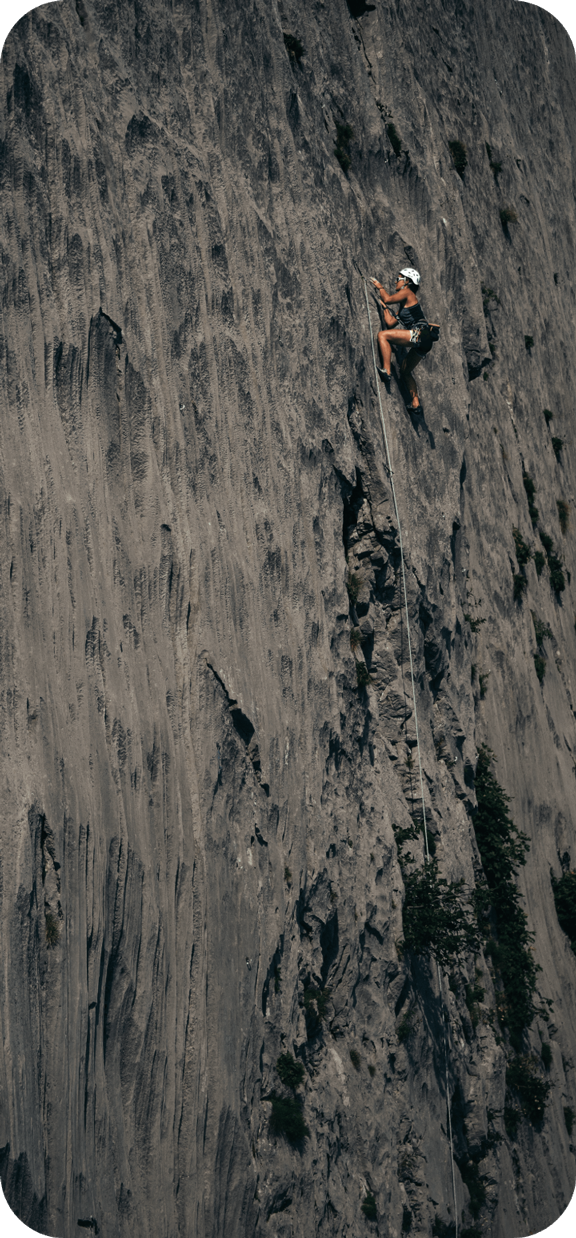
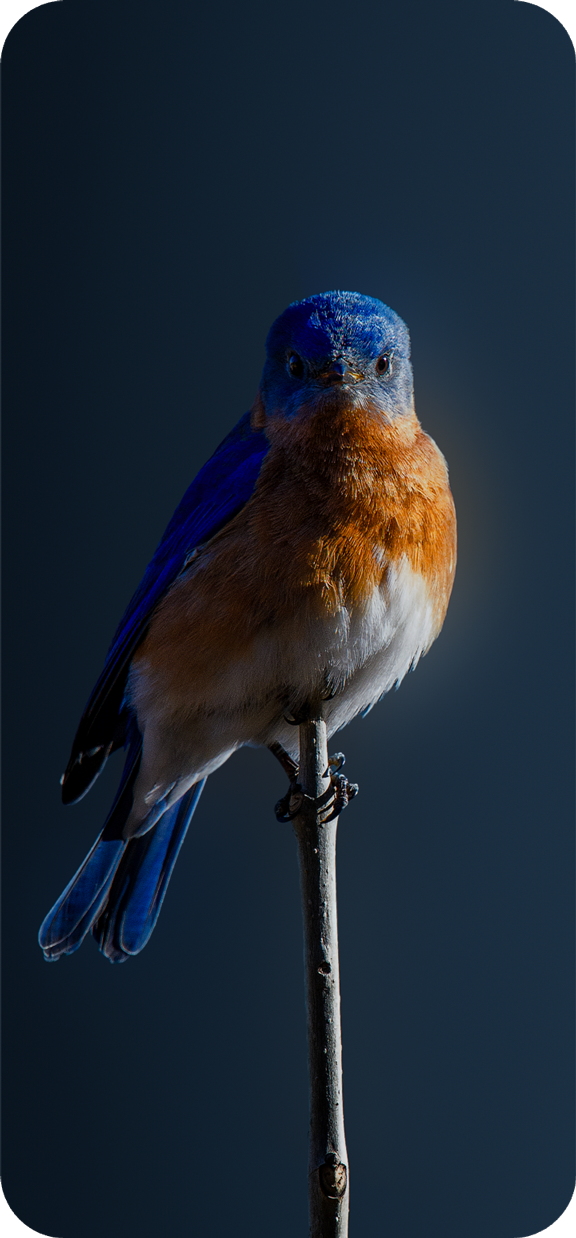
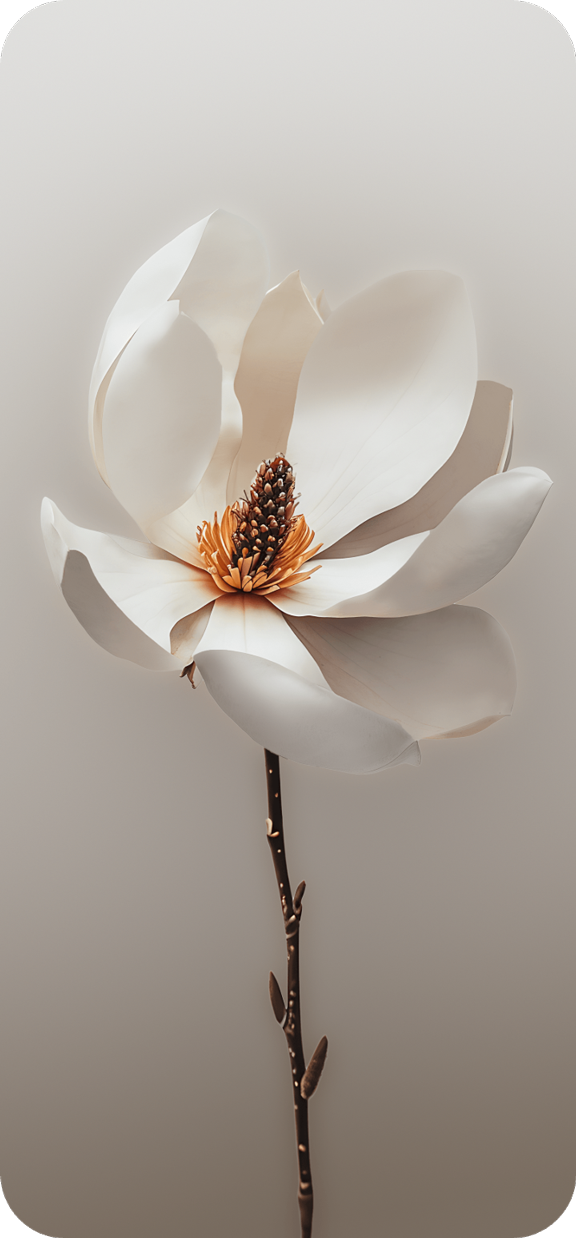
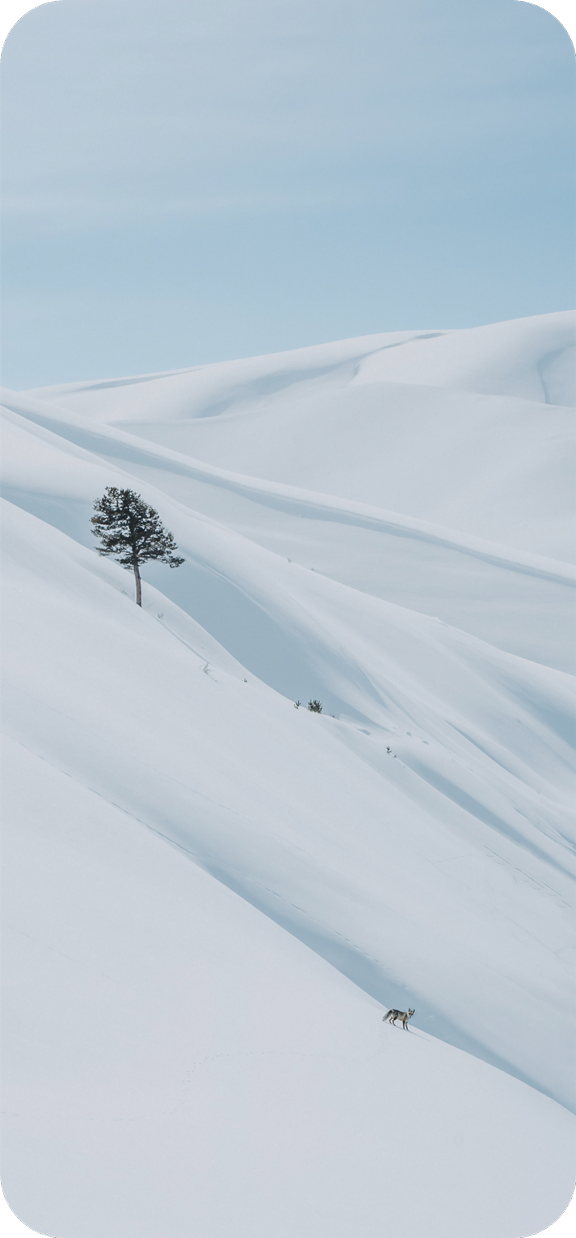
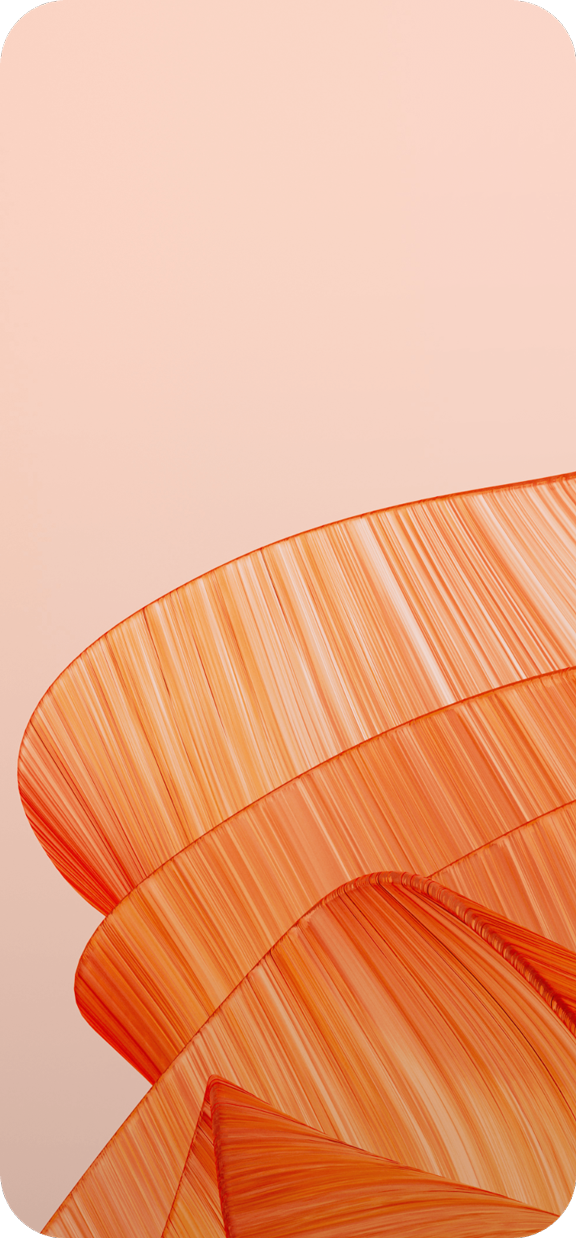
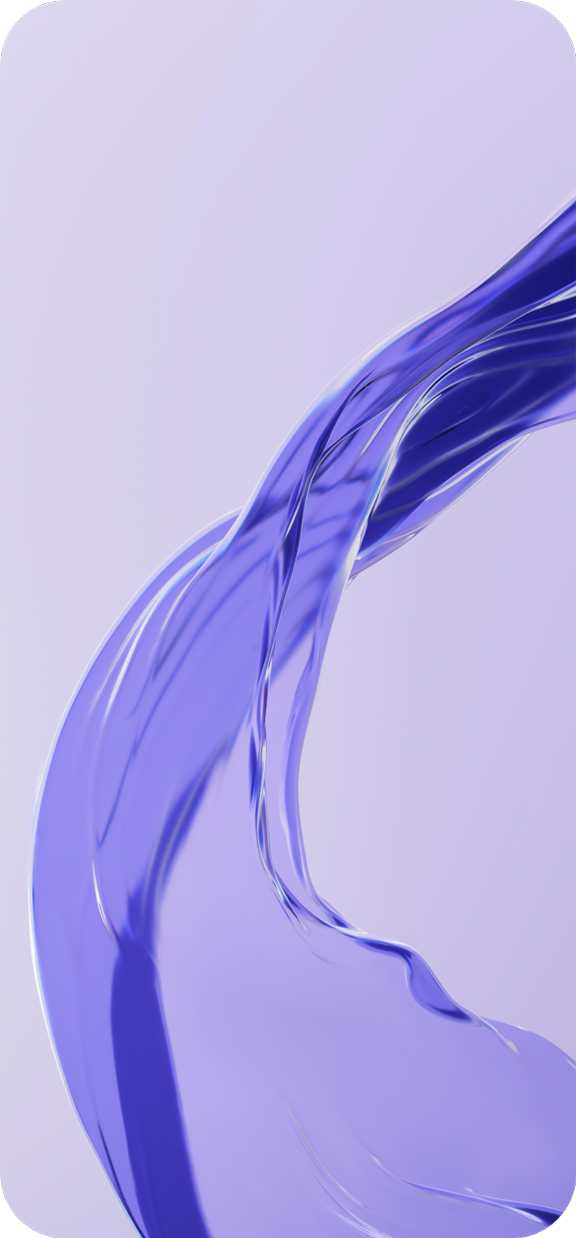
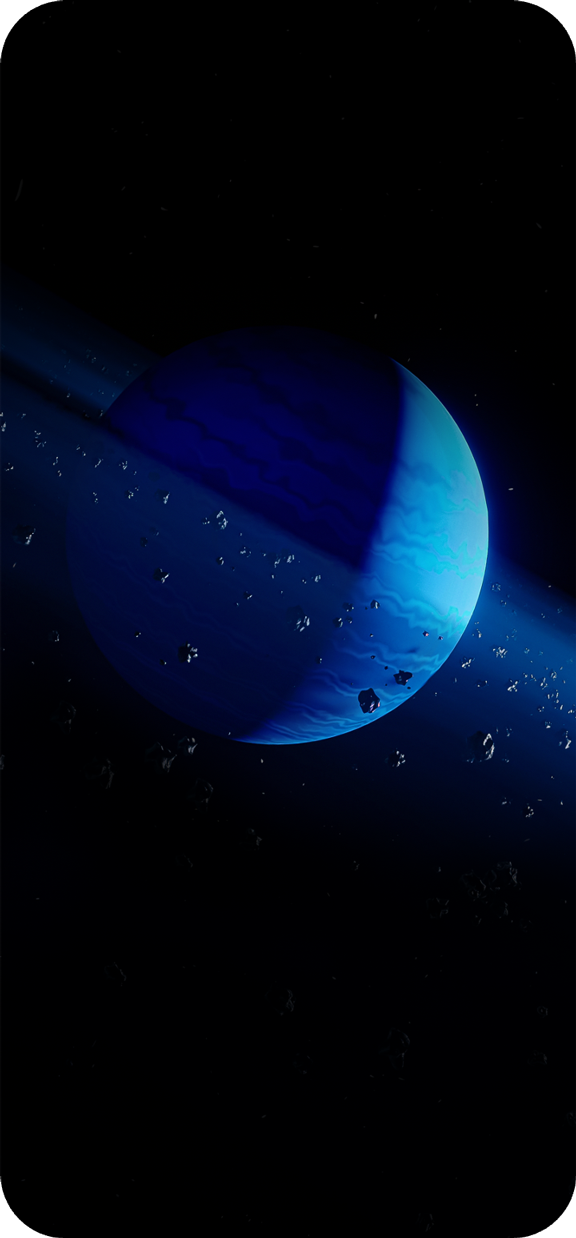
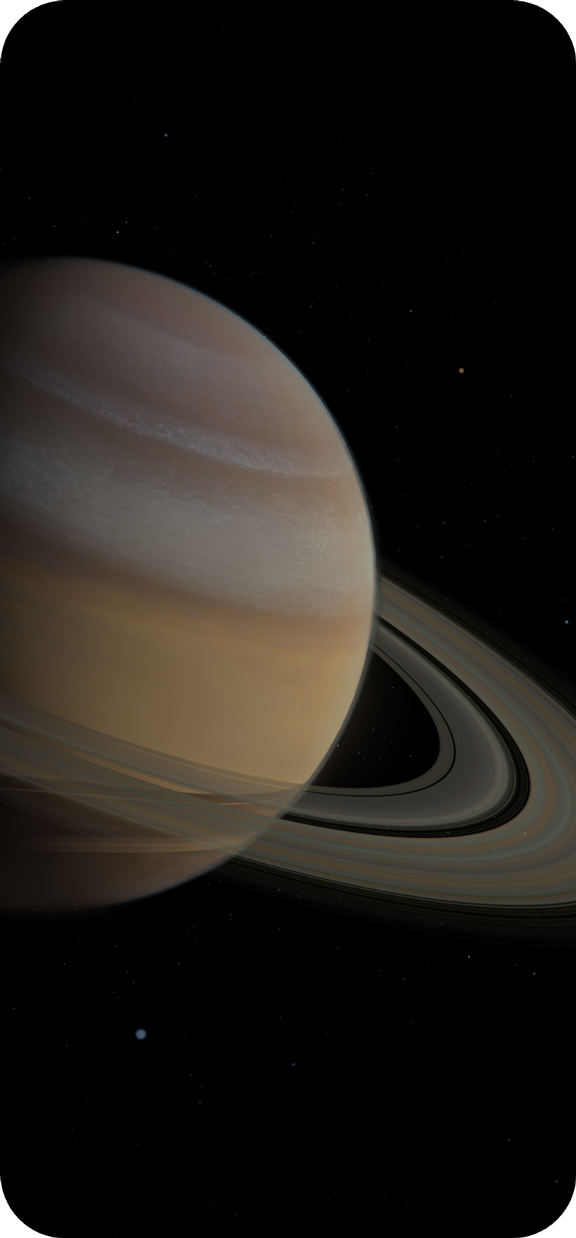
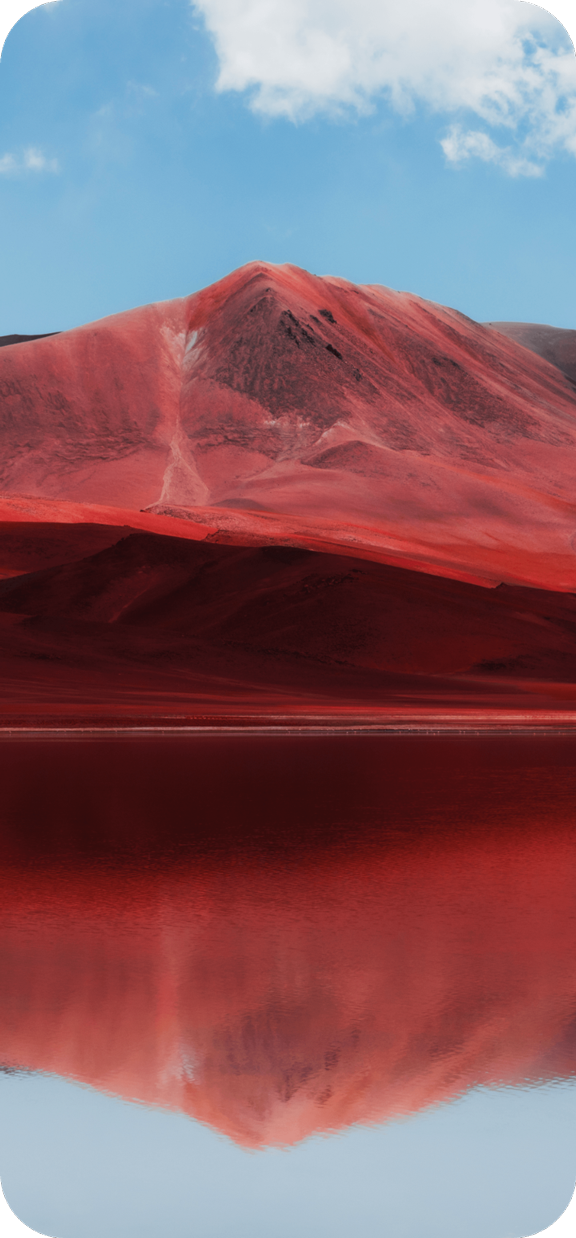
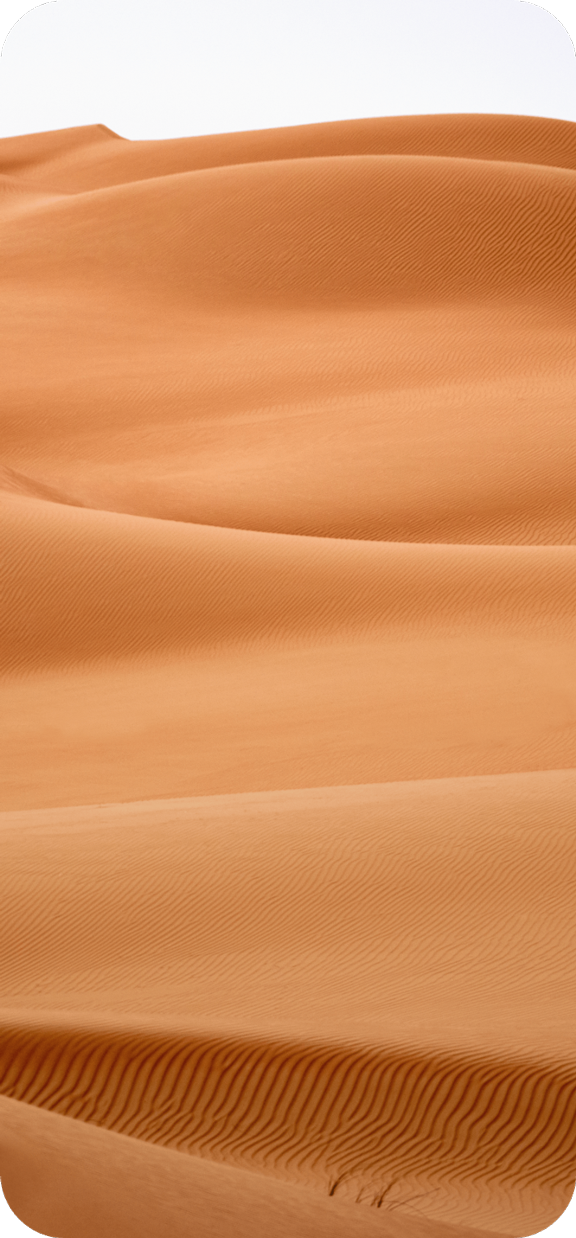
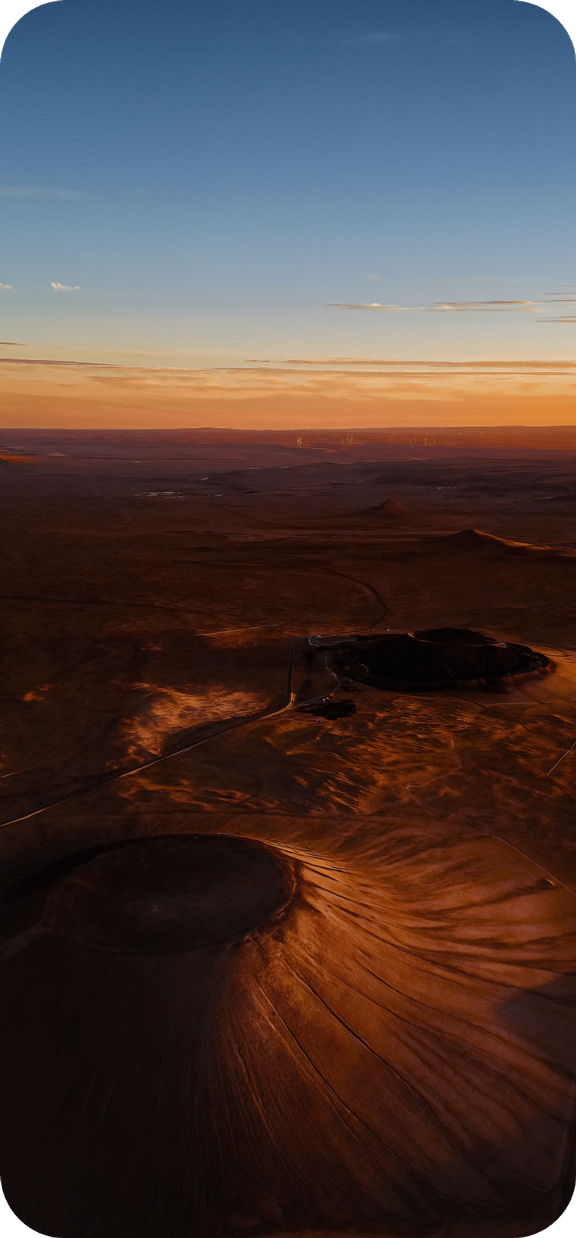
The rugged wallpapers with tough textures, the simple and pure default wallpapers, and the rich built-in wallpaper library. From natural textures to technological patterns, every wallpaper is the ultimate interpretation of aesthetics, adding a touch of unique personality to your desktop.
Rugged wallpapers
Crystal Wallpaper





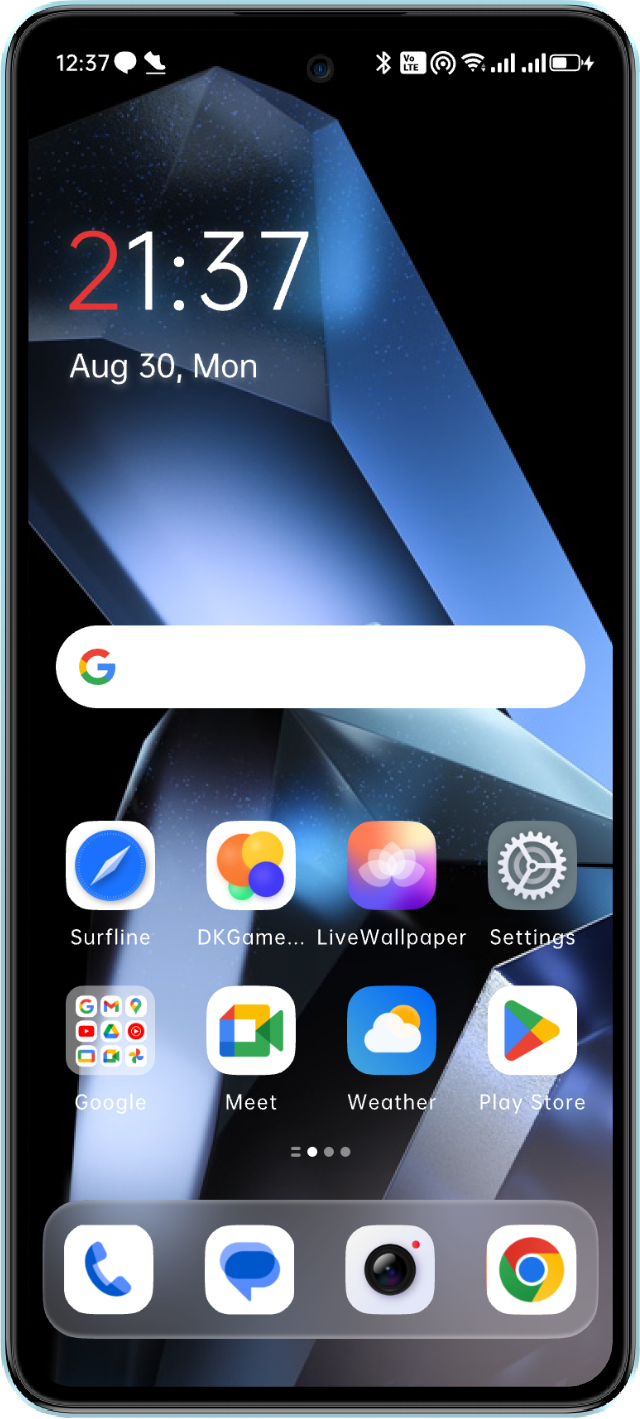
Theme Renewal, Diverse Styles
The Titan theme is based on a tough texture.
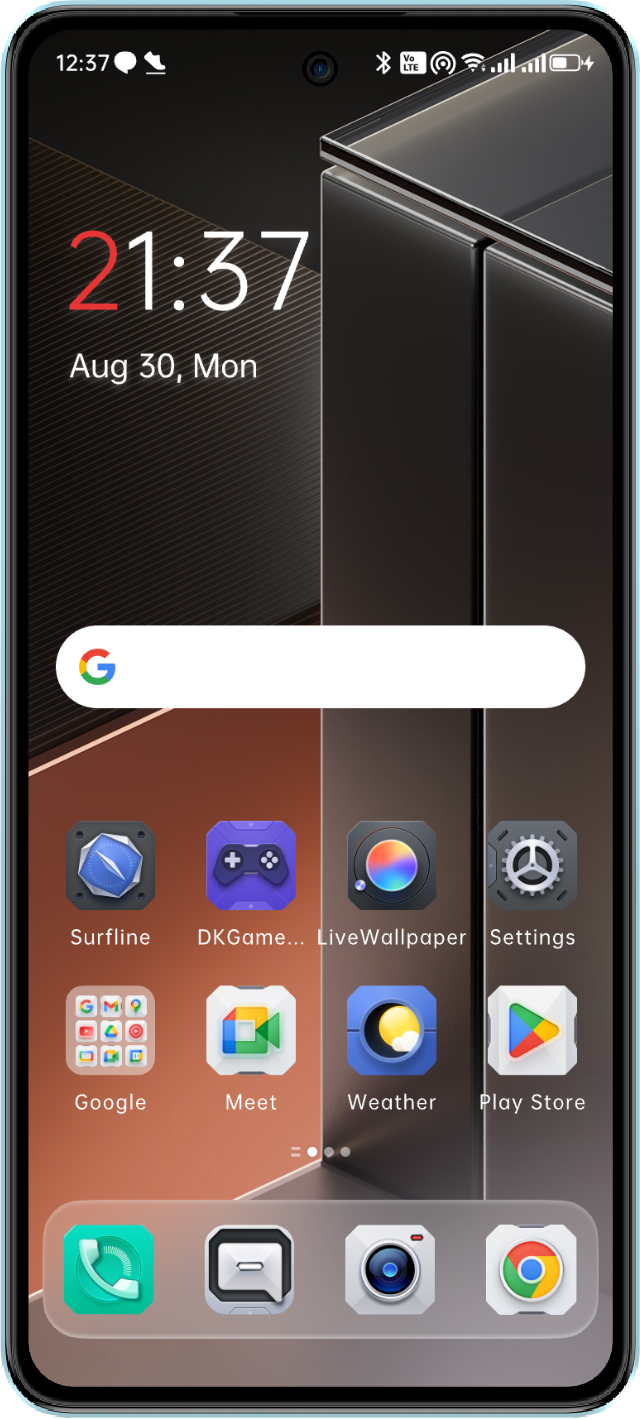
The Parallel theme interprets diverse aesthetics.
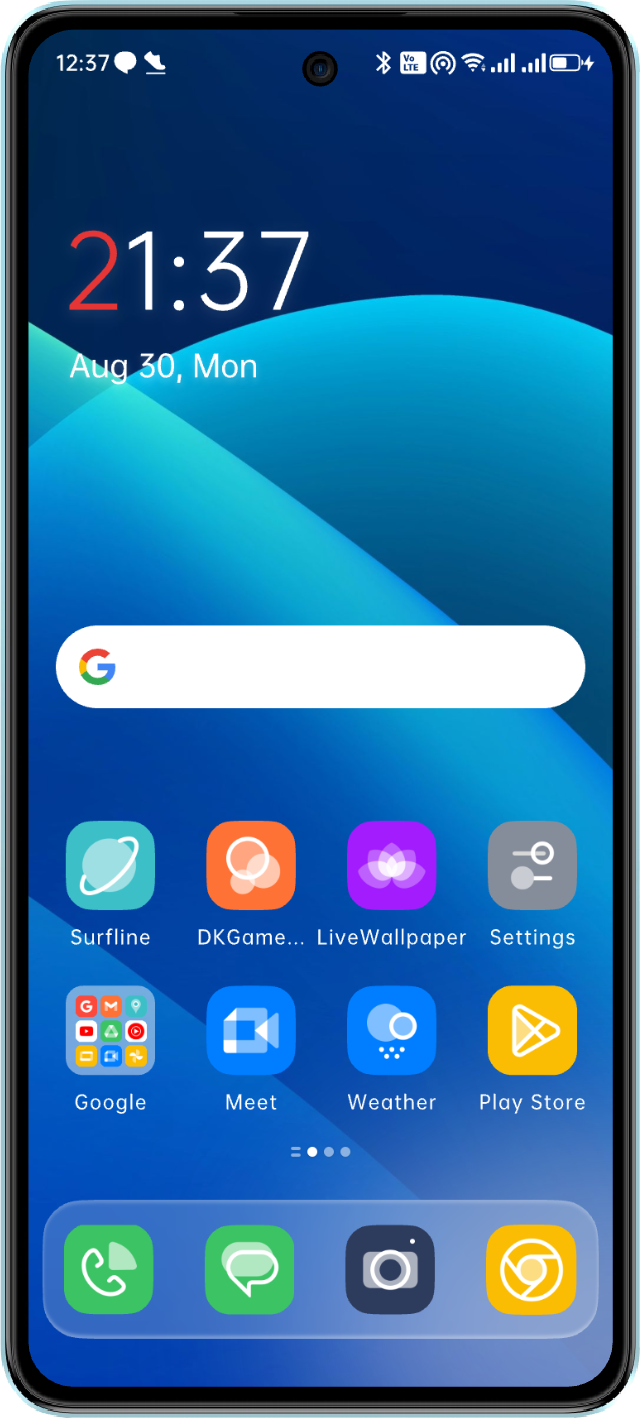
The Pure theme returns to the essence of simplicity.
All themes can be switched with one click, allowing the desktop to adapt to your mood.
The Parallel theme interprets diverse aesthetics.
The Pure theme returns to the essence of simplicity.
All themes can be switched with one click, allowing the desktop to adapt to your mood.


Theme Renewal, Diverse Styles
The Titan theme is based on a tough texture.
The Parallel theme interprets diverse aesthetics.
The Pure theme returns to the essence of simplicity.
All themes can be switched with one click, allowing the desktop to adapt to your mood.
The Parallel theme interprets diverse aesthetics.
The Pure theme returns to the essence of simplicity.
All themes can be switched with one click, allowing the desktop to adapt to your mood.


Theme Renewal, Diverse Styles
The Titan theme is based on a tough texture.
The Parallel theme interprets diverse aesthetics.
The Pure theme returns to the essence of simplicity.
All themes can be switched with one click, allowing the desktop to adapt to your mood.
The Parallel theme interprets diverse aesthetics.
The Pure theme returns to the essence of simplicity.
All themes can be switched with one click, allowing the desktop to adapt to your mood.
Smooth Interaction: Perception Technology in Dynamic Effects
Interactive Feedback, Silky Response
The proactive interaction design minimizes lag when using features, providing a natural and seamless experience when switching between functions.
Real-time Weather with Immersive Effects
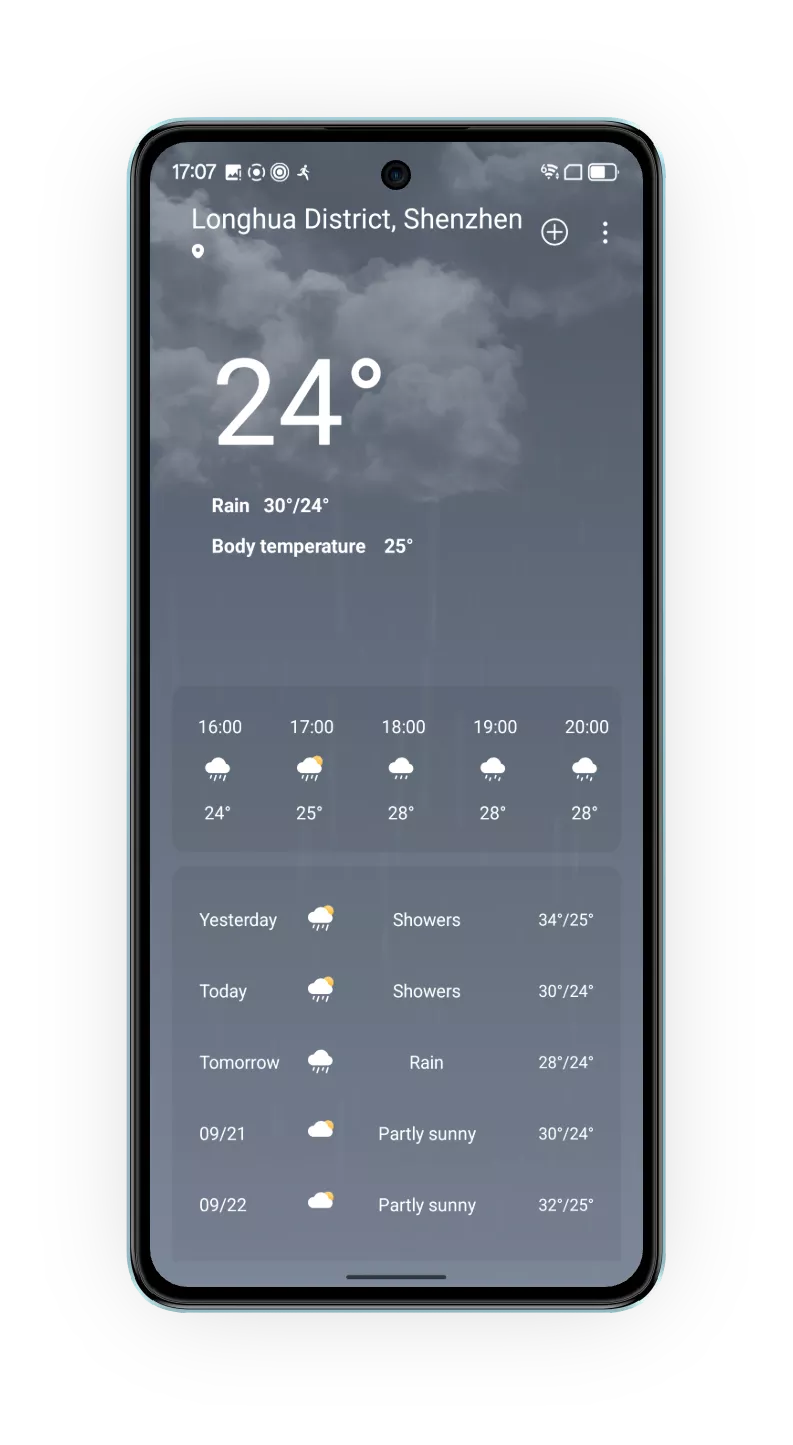
The real-time dynamic weather effects are integrated into the application, allowing you to stay aware of the weather outside and enhance immersion in everyday life.

Personalized Customization: Your System, Tailored to You
Icons and Wallpapers, a Thousand Styles for a Thousand People
Support personalized customization of icon shapes, with adjustable shapes like circles, squares, and rounded rectangles. Wallpaper textures can be freely chosen, with one-click switching between blurry, glass, and blurred glass effects, making your desktop uniquely yours.
-
Personalized Icon Shape
Customization Supported -
-
![]()
![]()
Four Key Applications of AI
Making your life smarter and more enjoyable.




Four Key Applications of AI
Making your life smarter and more enjoyable.




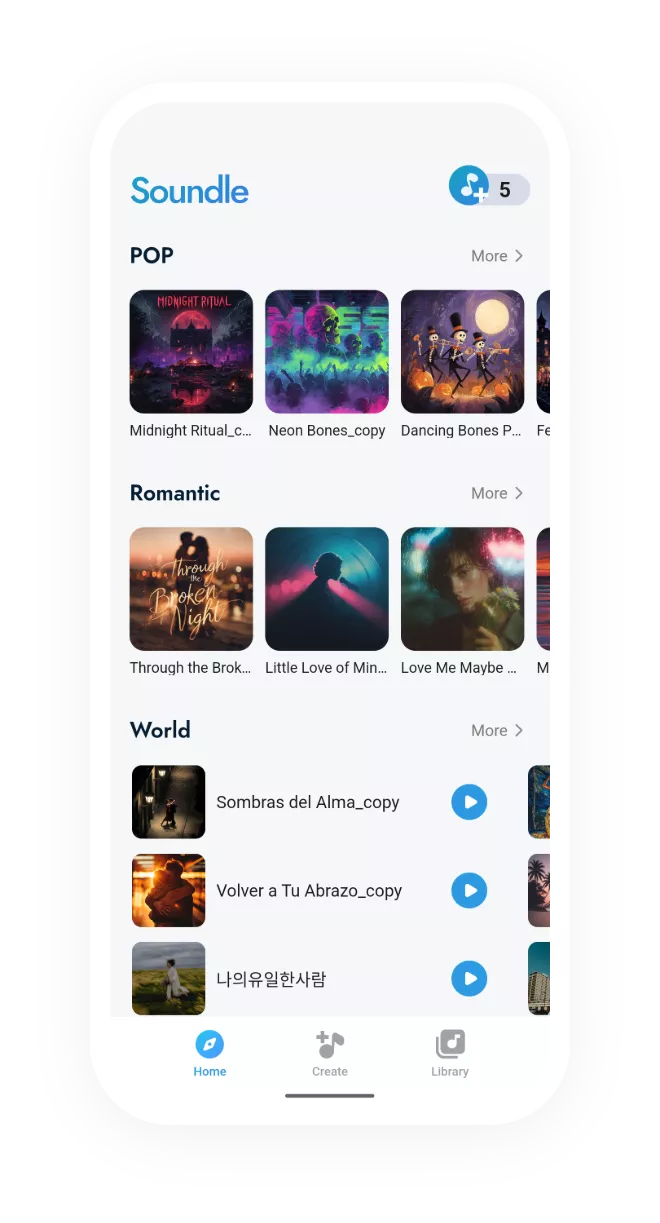



Four Key Applications of AI
Making your life smarter and more enjoyable.


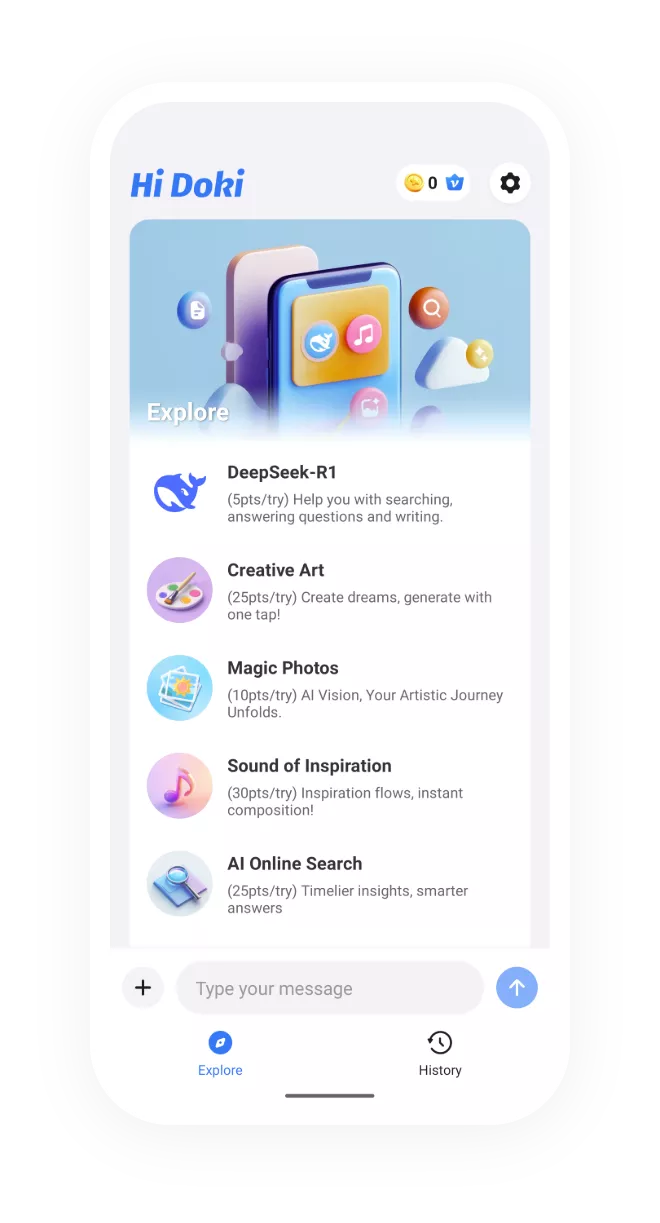
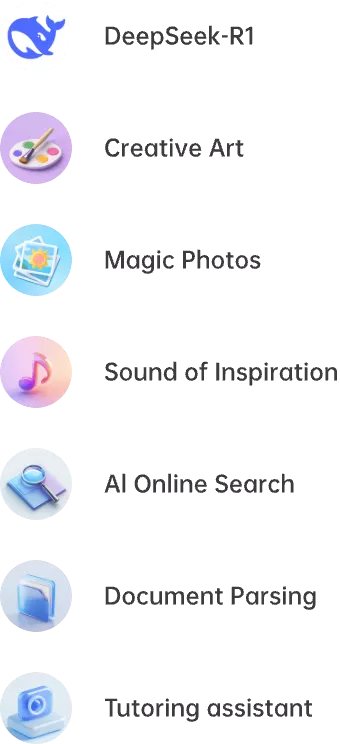
Four Key Applications of AI
Making your life smarter and more enjoyable.
Powerful Imaging: Professional Cameras to Capture Every Vivid Moment
Precise Color Temperature Adjustment Enhances the Visual Ambiance
-
-
Mastering Professional Video Photography
-
Enriched Filter Library AddedSwitch effortlessly between cool, warm, and retro styles with one click.
![]()
![]()
![]()
![]()
![]()
![]()
![]()
![]()
![]()
![]()
![]()
![]()
-
Global EV Adjustment Master Light and ShadowQuickly adjust exposure for any shooting scenario. Boost shooting efficiency by over 50%.
![]()
![]()
-
Live PhotoCapture and showcase continuous actions or fleeting moments. Bring still images to life, enhancing visual impact.
![]()










Key Features: Tailored to Your Needs and Changes
-
Child ModeFilters inappropriate content, sets usage limits, and ensures healthy device usage for children.
![]()
-
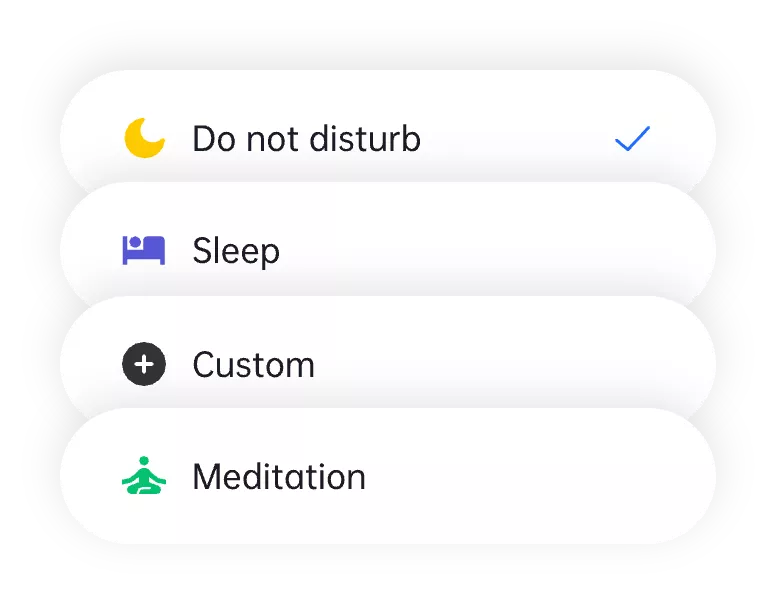
Focus ModeBlocks distractions, helps you focus on work and study, boosting efficiency.
![]()
-
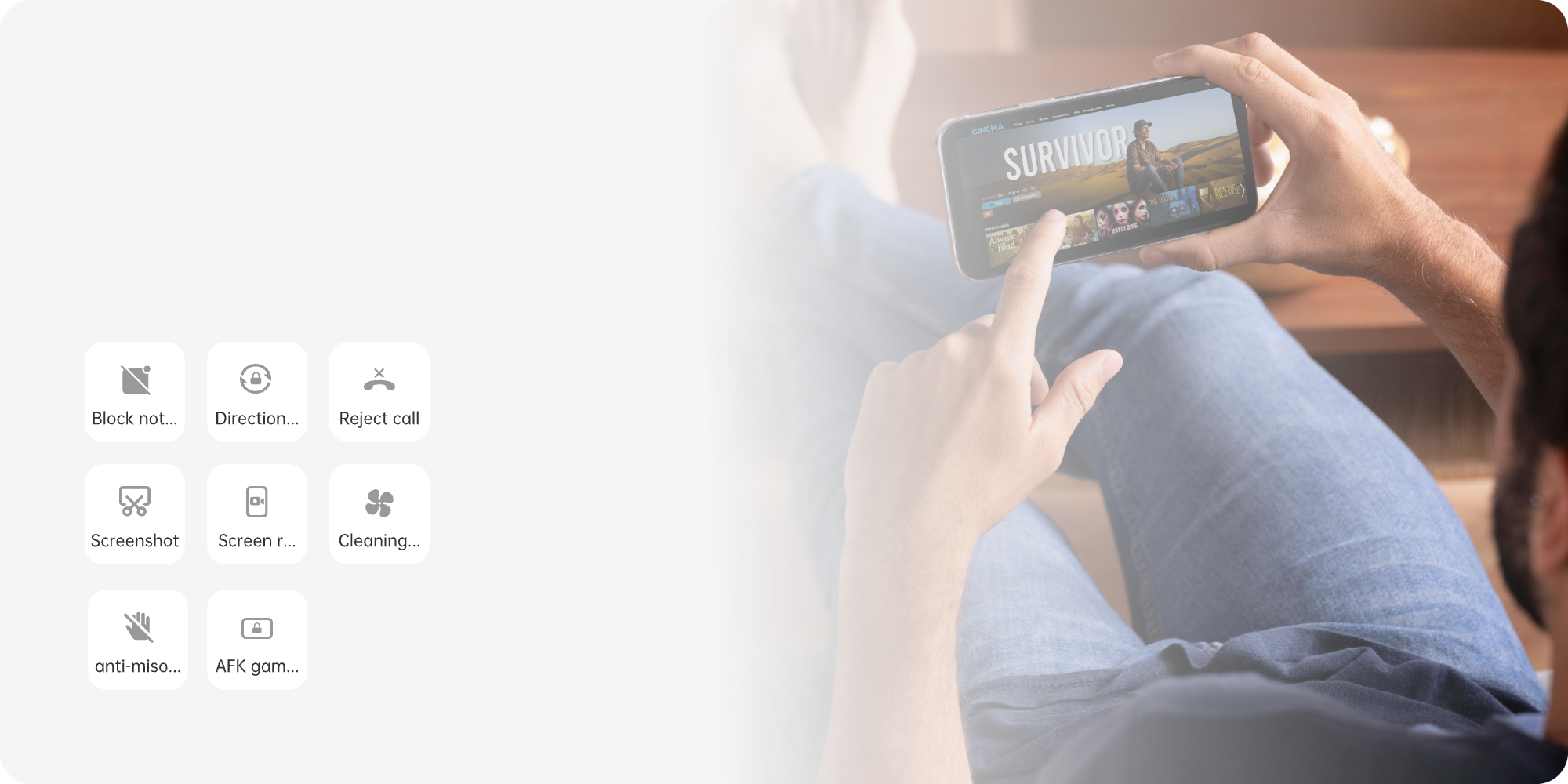
Game ModeMaximized performance, block notifications, delivering an immersive gaming experience where victory or defeat is at your fingertips.
![]()
-
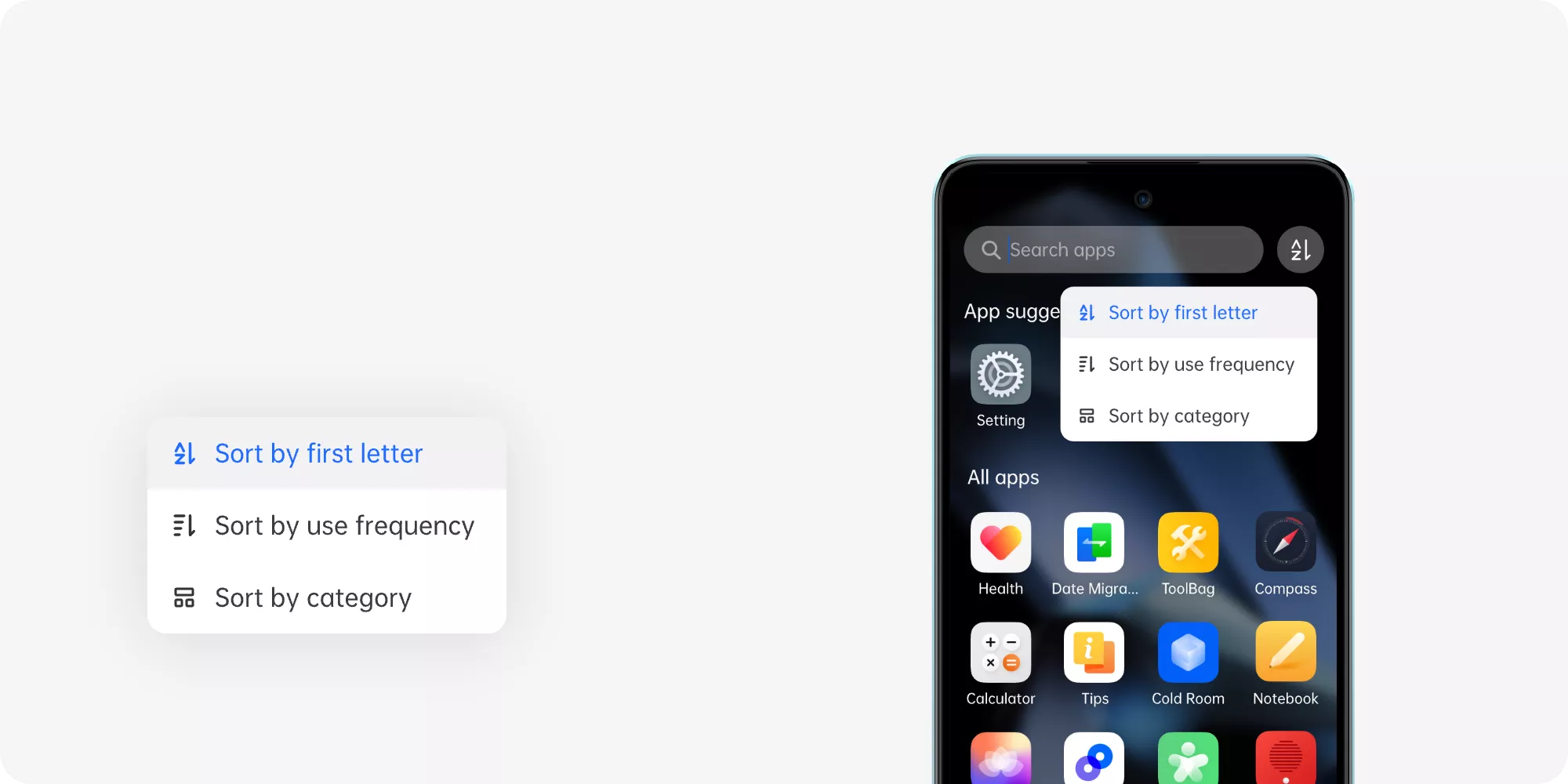
Drawer Application ClassificationSort by alphabetical order, usage frequency,
or category.![]()
Performance Optimization: Data-driven Optimization for Worry-free Smoothness
Based on data, thoroughly optimize system power efficiency and performance while balancing powerful computing and long-lasting battery life. Intelligent backend scheduling ensures precise and efficient resource allocation, making every startup, game, and video run as smoothly as flowing clouds and water.
-
Optimized Power ConsumptionEnhancing overall power efficiency and extending battery life.
![]()
-
![]()
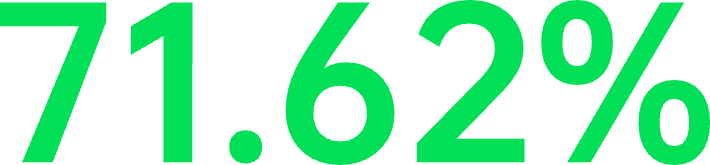
![]() Increase in battery life
Increase in battery life
under light usage -
![]()
![]() Increase in overall nighttime
Increase in overall nighttime
standby performance


-
Performance OptimizationComprehensive enhancements in system response, startup speed, and overall performance.
-
![]()
![]() Improvement in system
Improvement in system
responsiveness![]()
-
![]()
![]()
![]() Boost in startup speed
Boost in startup speed